

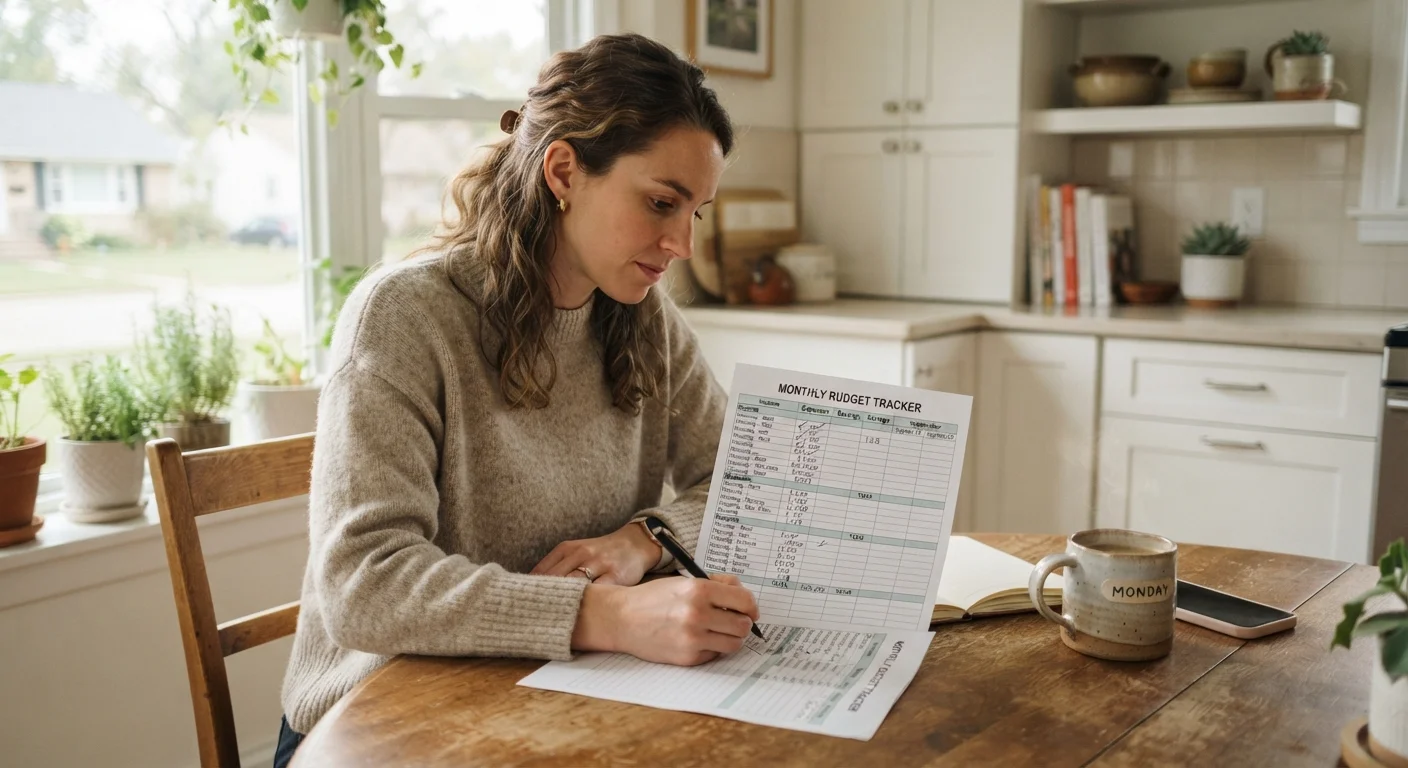
Why Most People Don't Know Where Their Money Goes
It's not carelessness. Most Americans operate on a rough mental model of their spending — they know rent is due on the first, they budget a vague amount for groceries, and they know they eat out more than they probably should. What they rarely have is actual data. And without data, even well-intentioned budgets are built on guesswork.
Studies consistently show that people underestimate discretionary spending by a significant margin. Small, frequent purchases — coffee, streaming add-ons, impulse buys at checkout — don't feel like financial decisions in the moment, but they accumulate quietly. The spending leaks that quietly drain a household budget are often the ones that never made it into anyone's mental budget in the first place.
Tracking spending closes that gap. It replaces assumptions with reality, which is the only solid foundation for any financial plan. If you're ready to build that plan from scratch, the first monthly budget guide walks through the full process once your tracking is in place.
What you will need
What You'll Need to Get Started
You don't need to buy anything or sign up for any service to start tracking your spending effectively. The tools below cover everything from a bare-minimum approach to a more automated setup — choose whatever removes the most friction for you.
Bank or credit card statements
Provides a complete record of past transactions to establish your spending baseline.
Spreadsheet (e.g., Google Sheets or Excel)
Used to organize and categorize spending across multiple weeks or months.
Notebook or pocket journal
Useful for logging cash purchases immediately so they aren't forgotten.
Personal finance app
Automates transaction import and categorization, reducing manual data entry.
Whichever method you use, the key is that it's accessible when you need it. A sophisticated spreadsheet you open once a week beats a perfect app you never open.
How to Track Your Spending Step by Step
Pull your last 30–60 days of statements
Log in to your bank and credit card accounts and download or print your transaction history for the past one to two months. If you frequently use cash, try to recall or estimate those purchases as well — gas station stops, vending machines, and small convenience store runs add up faster than most people expect.
The goal here is a complete picture, not a perfect one. Even an 80% accurate view of your spending is infinitely more useful than guessing.
Set up your spending categories
Before you start sorting transactions, create a list of spending categories that reflect your actual life. Common categories include: Housing, Groceries, Dining Out, Transportation, Utilities, Subscriptions, Health, Personal Care, Entertainment, Clothing, and Miscellaneous.
Keep the list simple. Too many sub-categories make tracking feel like a part-time job and usually leads people to abandon the system entirely. Aim for 8–12 categories at most.
Categorize every transaction
Go through each transaction and assign it to one of your categories. If you're using a spreadsheet, a simple table with columns for Date, Merchant, Amount, and Category is all you need. If a transaction could fit two categories — say, a pharmacy run where you bought both prescriptions and snacks — assign it to whichever category it primarily belongs to and move on.
Consistency matters far more than perfection. Sorting the same type of purchase the same way each time gives you reliable data at the end of the month.
Total each category and compare to your income
Add up the totals for each category. Then compare your combined spending total to your take-home pay for the same period. This gap — or lack of one — is your financial baseline. It tells you whether you're living within your means, breaking even, or spending more than you earn.
If your spending routinely exceeds your income, that's a cash-flow problem worth addressing head-on. The Saving & Debt hub covers strategies for getting that gap under control.
Set up a simple ongoing tracking system
One-time tracking is useful; ongoing tracking is transformative. Decide on a method you'll actually stick with: logging purchases in a notes app as you make them, entering transactions into a spreadsheet each evening, or relying on automatic bank syncing if you use a finance app.
The method matters less than the consistency. See how cash envelopes and spreadsheets compare to figure out which structure fits your habits.
Schedule a weekly 10-minute check-in
Pick a recurring time each week — Sunday evening, Monday morning, whenever works — and spend 10 minutes reviewing what you've spent so far that week. Look at which categories are on track and which are running hot. This short habit catches overspending early, before a mild overage becomes a serious shortfall by month-end.
Once you've completed a full month of tracking, you'll have enough real data to build a budget that reflects how you actually live — not how you think you live. That's a meaningful shift. For a structured next step, the monthly budget audit checklist helps you put those numbers to work at the end of each month.
This article is for general informational purposes only and does not constitute personalized financial advice. For guidance specific to your financial situation, consider consulting a licensed financial professional.
The content on this site is for informational purposes only and is not a substitute for professional advice. Always consult a qualified professional for guidance specific to your situation.